


Are Password Managers Actually Safe? A Simple Guide.
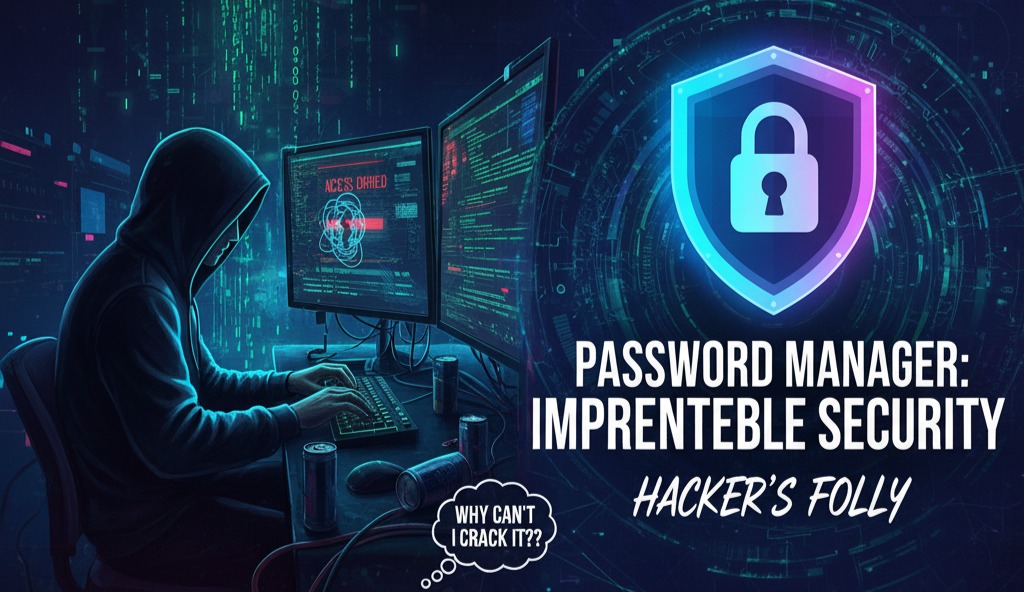
Here’s what you need to know about how they work, what happens when they get hacked, and how to use one the right way.
You have tons of online accounts: school, gaming, social media, shopping, and email.
It’s tempting to use the same, easy-to-remember password for all of them. But that’s one of the biggest mistakes you can make. If a hacker steals that one password from one website, they can now get into everything you own.
This is where a password manager comes in. But is it really safe to put all your passwords in one place? Let’s break it down.
How Does a Password Manager Keep Your Logins Safe?
Think of a password manager as a super-secure digital safe. You only have to remember one really strong password (called a “master password”) to open the safe.
Here’s how it protects the stuff inside:
-
It Scrambles Your Data: When you put a password in the vault, it doesn’t just get hidden. It gets scrambled using a super-strong code called AES-256. This is the same security code used by banks and governments to protect top-secret information. To a hacker, your list of passwords just looks like a jumbled, unreadable mess.
-
Your Master Password is the Only Key: Your master password is the only thing that can unscramble that mess and turn it back into readable passwords. This is why it must be strong, long, and something you have never used for any other account.
-
Two-Factor Authentication (2FA): This is your most important backup. You should turn this on for your password manager immediately. It means that even if a hacker steals your master password, they still can’t get in without a second code, which is usually sent to an app on your phone.
So, Is It Worth It?
Yes. Absolutely! Using a password manager is one of the smartest and easiest ways to protect your online life.
When you use one, you can:
-
Stop reusing passwords. This is the #1 way to stay safe.
-
Create super-long, random passwords for every single website, and you don’t even have to remember them.
-
Keep your accounts safe, even if one of the websites you use (like a game or store) gets hacked. The hackers might steal your password for that site, but they can’t use it anywhere else.
Your 4-Step Action Plan
-
Like a well-known, trusted password manager.
-
Create a very strong and unique master password .
-
Turn On 2FA (Two-Factor Authentication) in the settings right away.
-
Start saving your logins in the vault. Change any old or reused passwords to new, strong, random ones.
- Watch Out for Ghost Tapping: A Friendly Heads-Up from CJ Network Systems
- Are Password Managers Actually Safe? A Simple Guide.
- Your Privacy Policy: Is It an Asset or an Accident Waiting to Happen?
- Stop the Fight! SEO and Social Media: A Powerful Partnership for Website Growth
- The Click That Changed Everything: When CAPTCHA Turns Corrupt
- iMessage Scams: How a Simple Reply Can Put You at Risk